
AVG Cleaner – Storage Cleaner
AVG Cleaner scans, detects, and removes all unnecessary content to optimize the performance of your device.

Safe & Secure
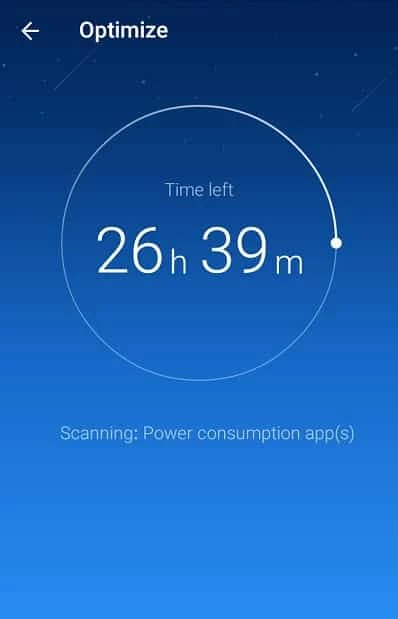
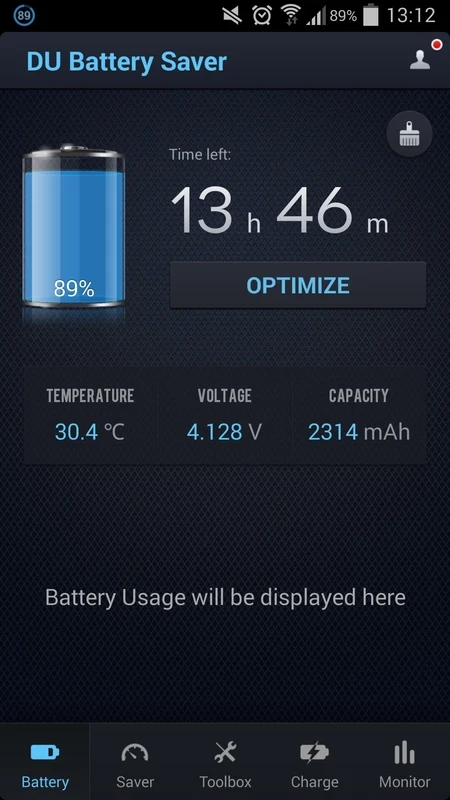
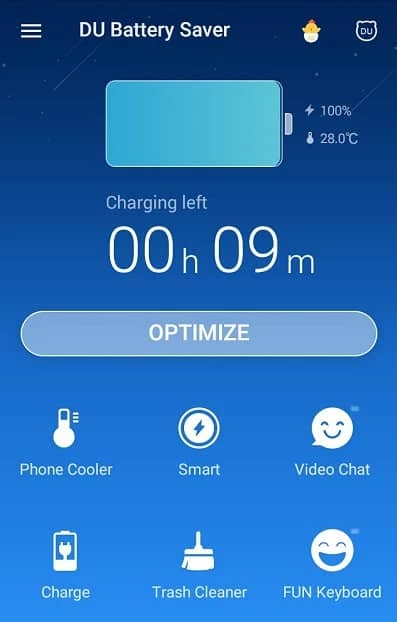
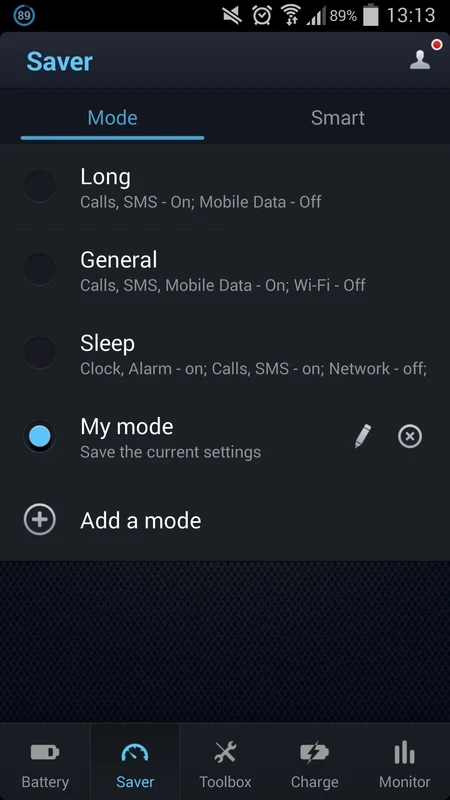

DU Battery Saver is an industry-standard tool that is used for managing and controlling the battery of your Android device. It helps to kill all unnecessary processes that consume a lot. It is a free-to-use and must-have tool to enhance the power of your device. It also offers detailed information related to your battery, such as temperature, capacity, and the amount of battery used by different tasks.
The app offers preset battery power management modes and one-touch controls for fixing battery problems, and enhances battery life up to 50%. It allows you to run your device smoothly while protecting it from poor charging.
DU Battery Saver, previously known as DU Battery Saver & Widgets, is a powerful battery saver and Android power doctor & manager. It is a productivity app that is developed by DU Apps Studio. You can get up to 50% more battery life by scheduling power saving mode.
The simple-to-use app with one-touch controls helps to detect and delete the processes that consume a huge amount of battery. It is available for free; you can upgrade to the premium version if you want some advanced features.
The straightforward design offers simple navigation without any complication, so even novice users can reliably navigate to all important features using the menu. After launching, access the main screen, and you will find the battery problems and the Fix Now or Optimized button. You can fix the problems by clicking the icon, and an automatic process will start to make your battery cool and last longer. On the left side of the screen, a slide is available to display options and settings. Simply use the menu to access different options, such as unlocking DU battery themes and skins.
The app offers Battery level and percentage battery on the main page, and also time left/charging time left before running out of battery, or completing the charging. It also displays temperature, technology, and voltage that are used for operating the battery, and some other important options are available, such as;
Saver: it allows you to turn on/off multiple services according to your preferences to minimize the consumption of battery life
Toolbox: it allows you to download games or apps for free, or use DU coins for purchasing the paid content.
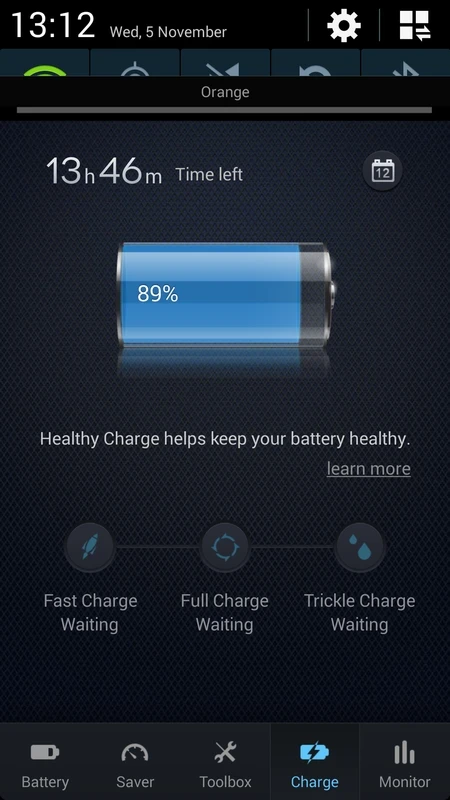
Charge: keep your battery healthy while using the tips and advices using the Charge section, which also shows the remaining battery, and tips for fast charging, full charging, or trickle charging the device. The feature offers a Calendar icon for watching the monthly charging records.
Monitor: it helps to monitor the apps to detect the most battery-consuming apps, and also stops such apps to prevent battery consumption. It also gives hardware details that consume battery life, such as CPU, Wi-Fi, Radio, Screen, and so on.
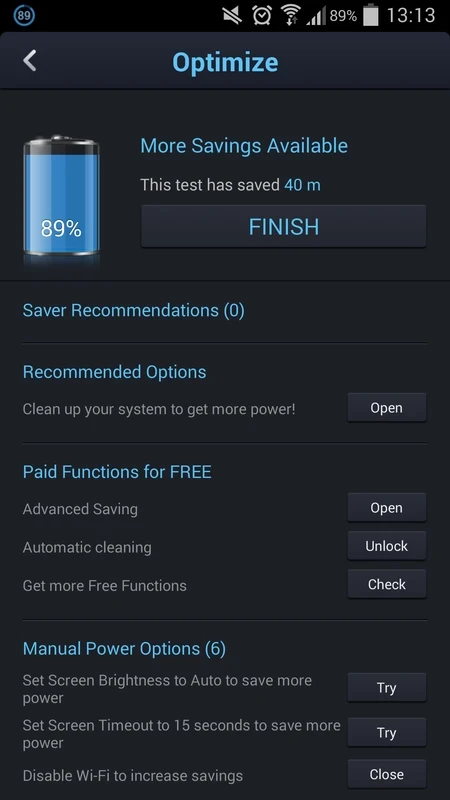
The app offers various preset smart modes to configure the battery consumption, as the modes help to disable different features such as Call, SMS, Mobile Data, and so on. The app also offers some default modes for the default configuration. You can switch to different smart battery saving modes according to your preferences. You can set an Auto Clear schedule, clear unimportant apps by adding them to the Ignored Apps List, and also kill all unnecessary background processes on screen lock.
The overuse of phones can heat it up, especially when playing online games, or scrolling through other social-sharing apps, and using a heated phone becomes impossible. If you want to use the phone without any frustration, download DU Battery Saver, as it works as a phone cooler that easily minimizes the device's heat while killing the unnecessary tasks and background processes.
The app offers one-click optimization to fix any type of problem related to your phone. You need to click the one-click optimization button from the home screen and let the app operate automatically. You will receive a notification from the app in case of setting any option manually.
Maintain your device life as well as battery life within safe charging phases such as ‘Fast charging, Full Charging, and Trickle Charging. The different phases will offer different voltages and input current for your battery, such as;
The app also offers detailed information related to your battery, so no need to install any third-party app; simply use the app, and know about the type, model, technology, and other related information. It will help you to manage your battery more reliably. In addition, you will also find the Widgets function to control all necessary functions. You can place the widgets on your home screen for quick access.
Pros
Cons